Wolf Auctions — The Complete Auction Suite
# Run a real auction marketplace on WordPress — and keep every cent.
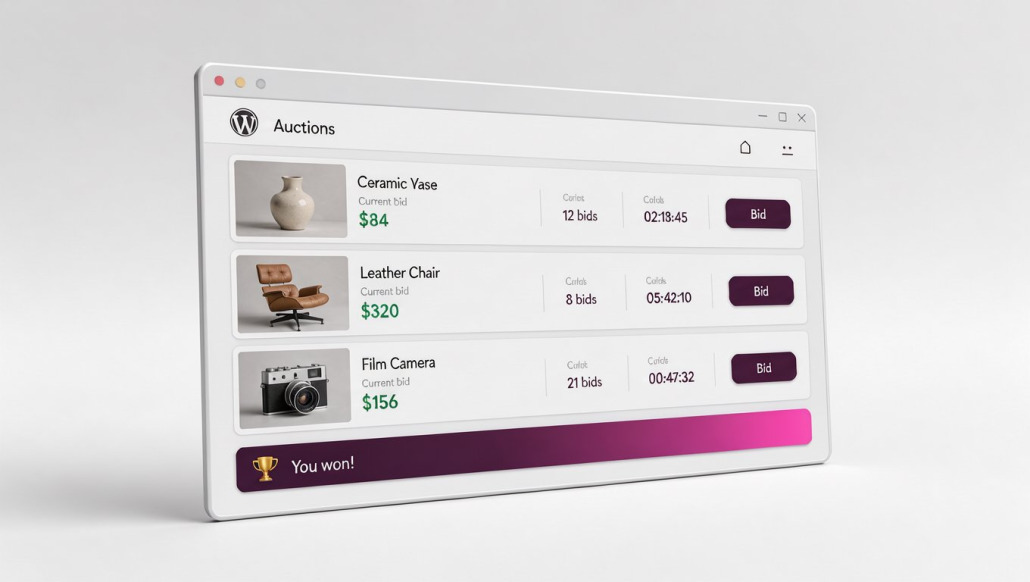
Wolf Auctions is a complete auction suite for WordPress. Live bidding, Buy Now, scheduled launches, member listings, seller payouts and branded emails — all in one install, under your own brand, on your own site.
No commission. No monthly fee. No marketplace sitting between you and your customers.
One-time payment · GPLv2 · Works with your existing theme
Why people move to Wolf Auctions
You keep 100% of every sale. The big marketplaces take a cut of everything. This is software you own — the only fees you’ll ever pay are your payment processor’s.
Everything is included. This isn’t a base plugin with a long list of extras to buy separately. Bidding, sellers, members, emails, analytics and automation are all part of the suite.
It keeps working after the hammer falls. Most auction tools go quiet when a lot closes. Wolf Auctions keeps every ended lot published — with its photos, its final price, and a public “And the Winner is —” banner. Proof that real people win real items is the best possible reason for the next visitor to bid.
It’s ready this afternoon. Upload one package, activate, add your first lot. No developer required.
What’s in the suite
|
|
| Auction engine |
Live bidding, countdowns, automatic increments, Buy Now |
| Scheduling |
Set a start date and a lot goes live by itself |
| Payments |
PayPal, bank transfer, cheque or cash, with automatic winner emails |
| Members & sellers |
Members list their own lots; sellers get paid directly |
| Bidding intelligence |
Hidden maximum auto-bids, anti-sniping, watchlists |
| Email & automation |
Branded winner, outbid and ending-soon emails |
| Insight |
Dashboard, seller stats, sales archive, CSV export |
Ready to see the whole picture?
The short version is: it does all of it, and you own it.
The long version covers every module, how it works, who it’s built for, pricing and the questions people ask before they buy.

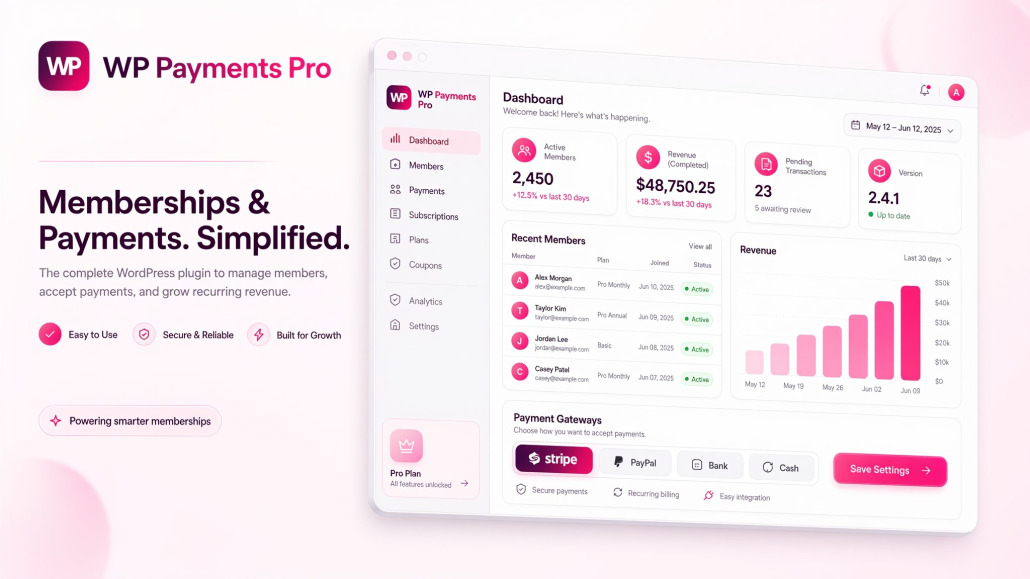 Elite Standalone Membership Engine
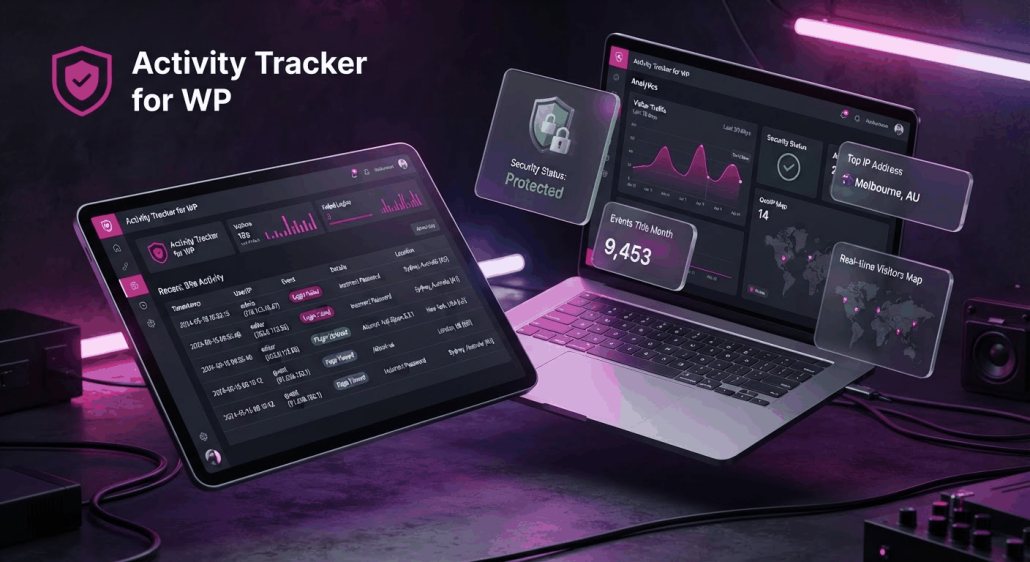 Full scale activity tracking, no slowdown.
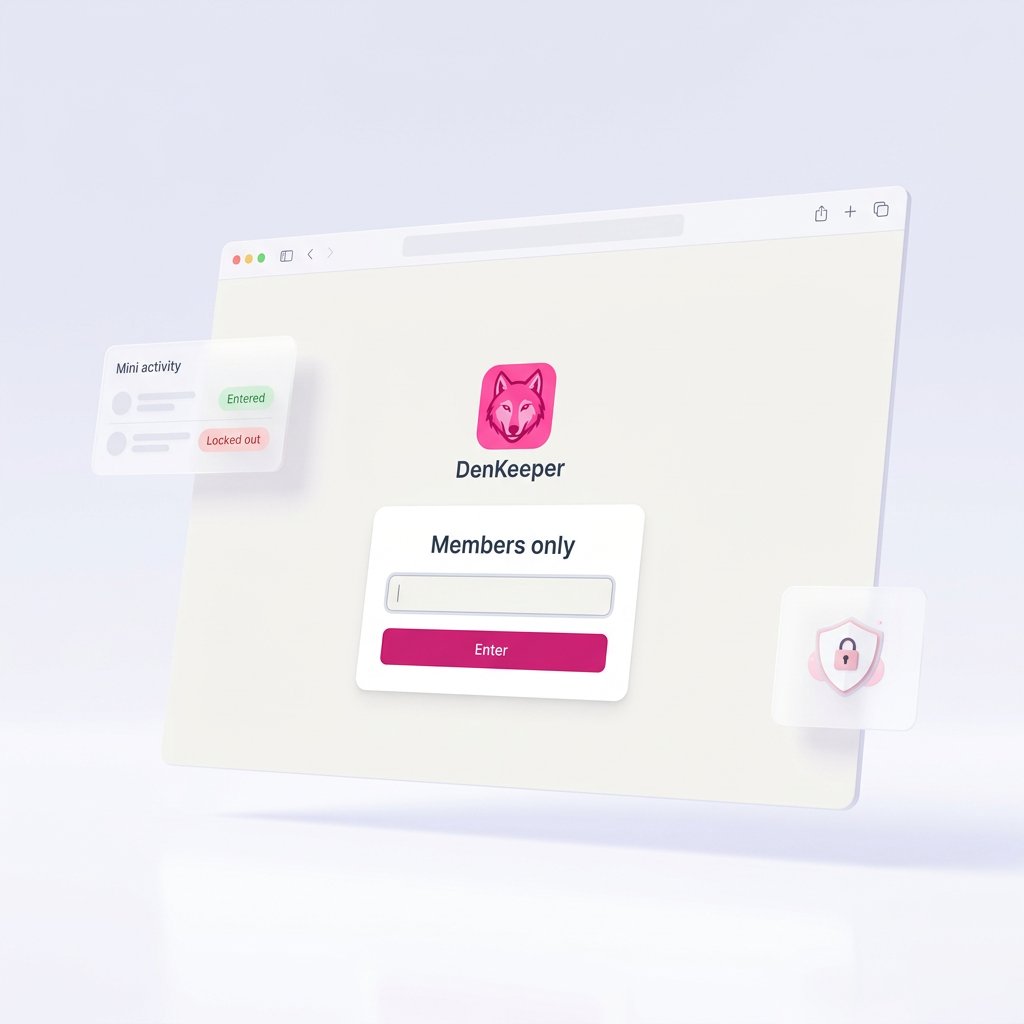
 The password wall for WordPress that actually locks everything.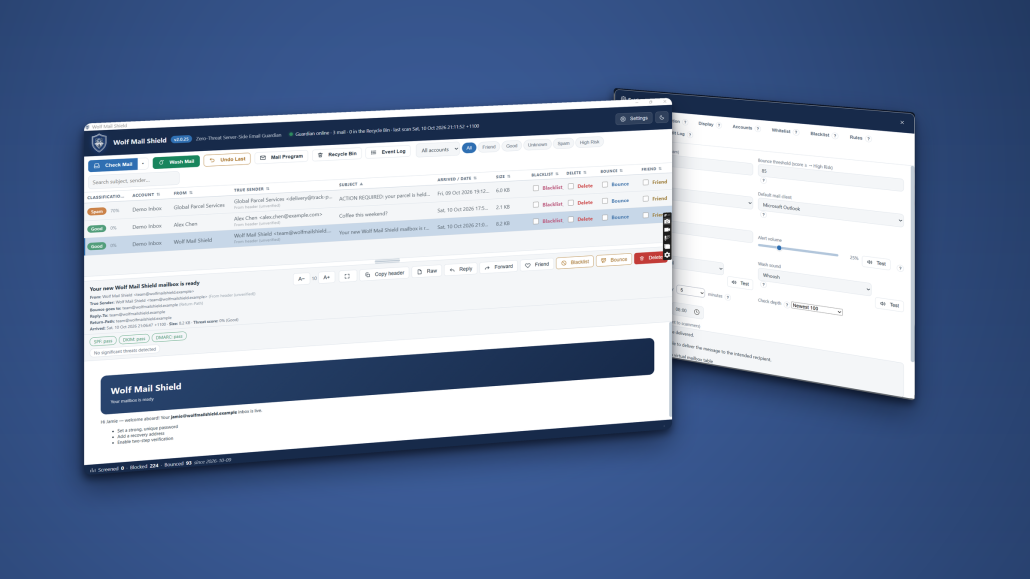
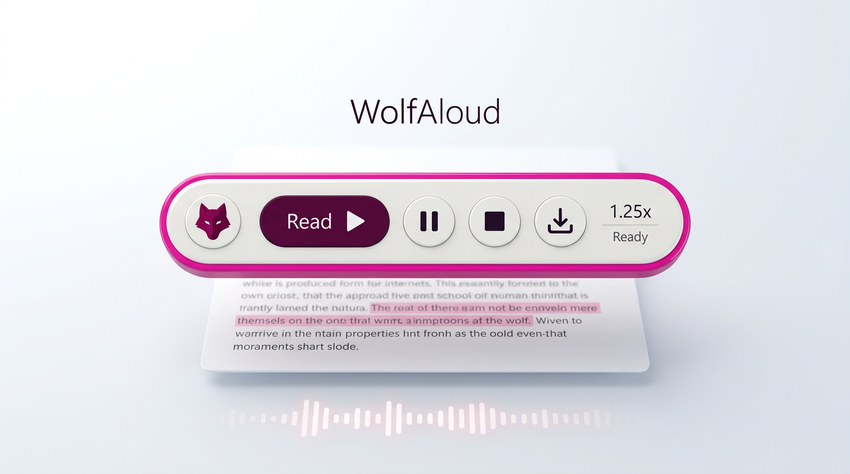 Highlight text. Press Ctrl+Alt+Q. Listen. WolfAloud reads selected or copied text aloud in Telegram Desktop, Chrome, Word, PDFs, email and other Windows apps where text can be selected or copied.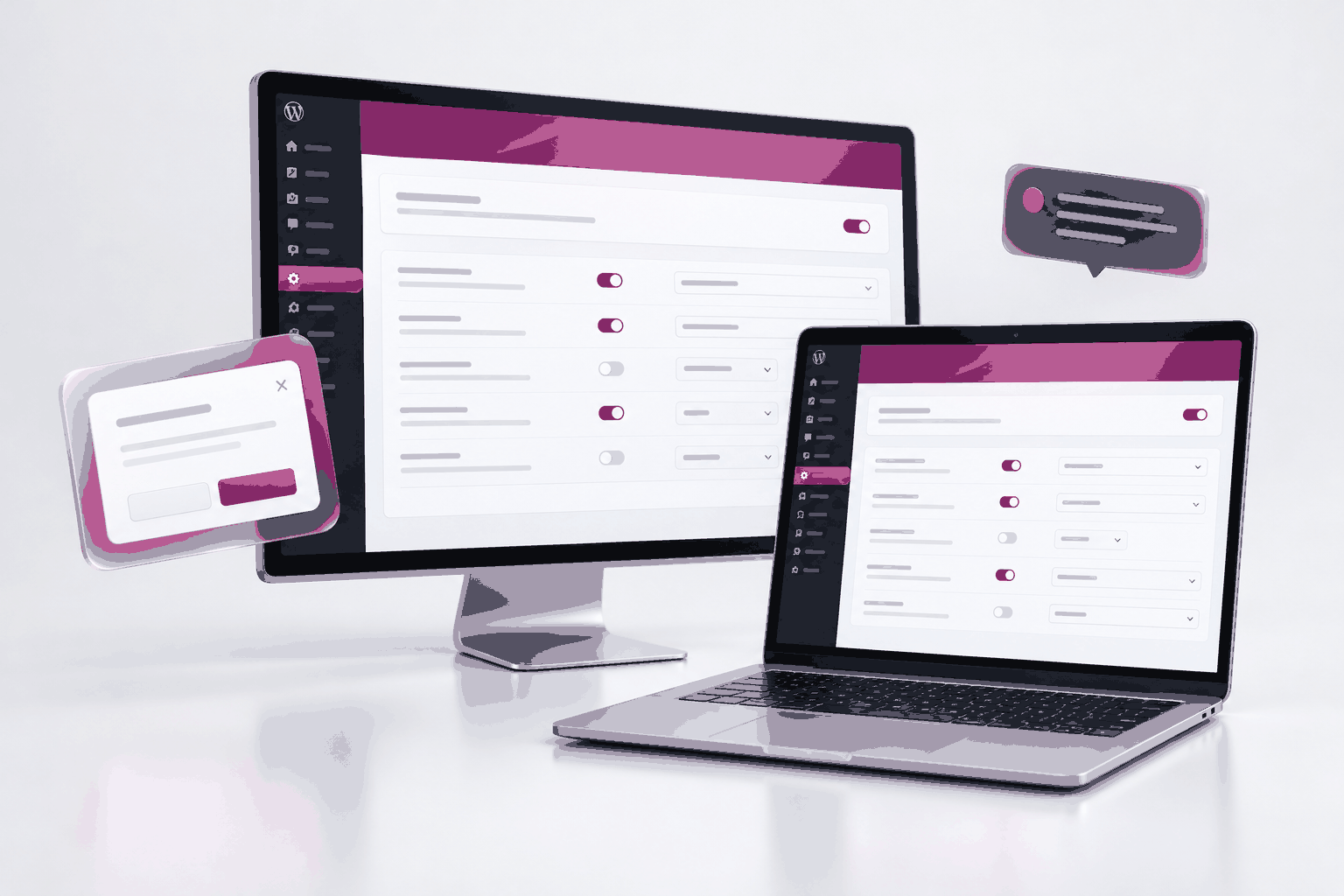
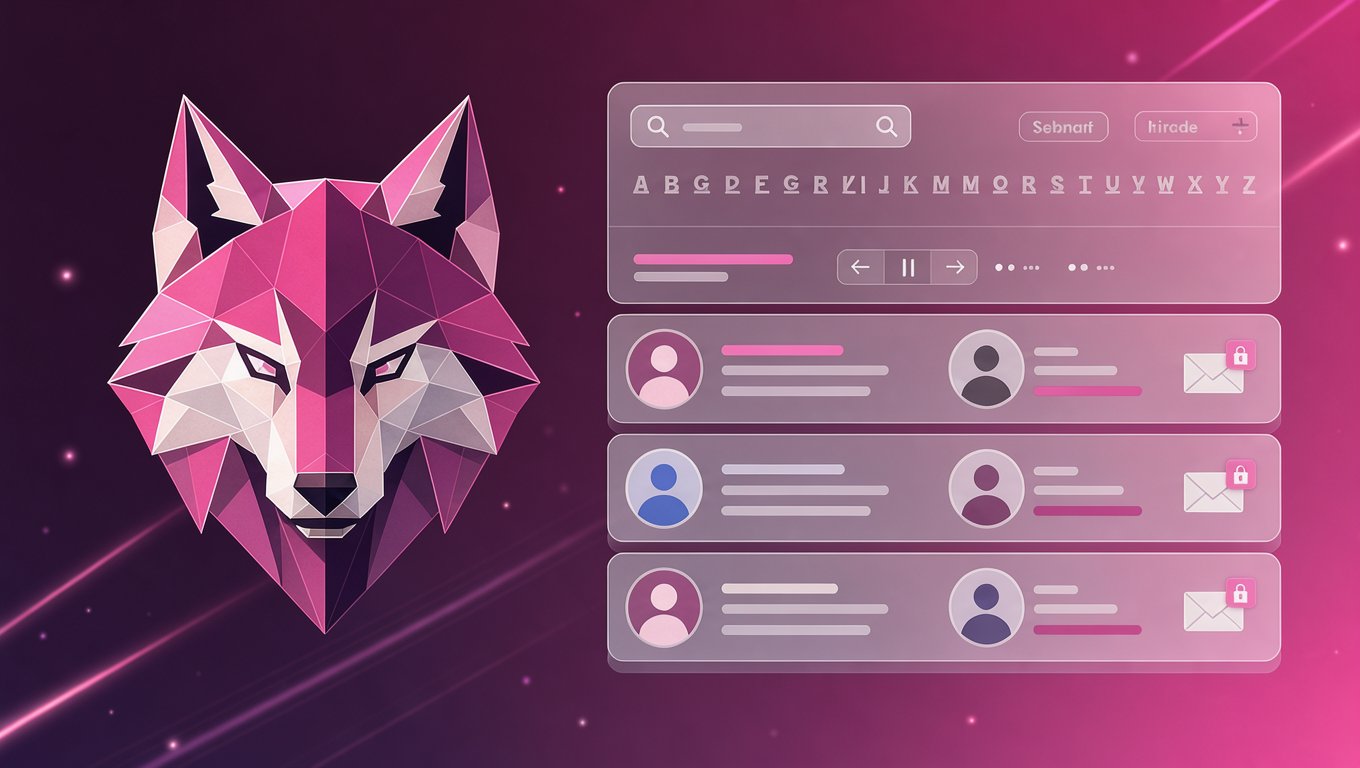 Managing private member directories and broadcasting email announcements in WordPress usually requires bloated, complex membership plugins that take hours to configure, slow down your site, and expose your users’ private email addresses to spam or security leaks.
 Run your entire community awards process from inside WordPress.
 Chat Bot adds a beautifully branded, self-hosted support chat to WordPress — combining controlled FAQ answers, live typing, human replies, smart email fallbacks and private conversation history without relying on a third-party chat service.
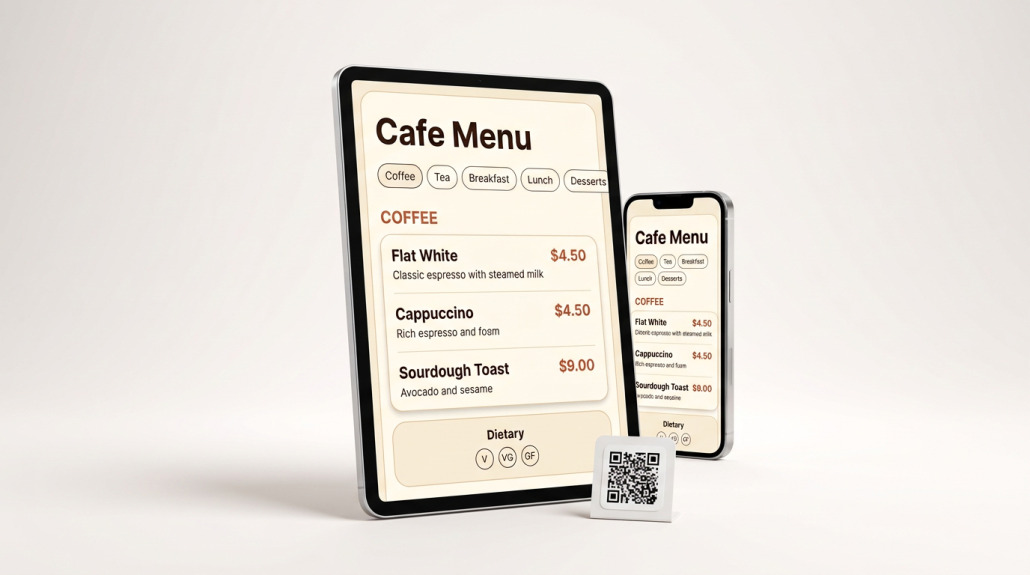 A complete WordPress menu system for cafes, restaurants and food venues. Manage your website menu, QR menu, staff edits and printable A4 menus from one place.