Wolf Designs  ·  WordPress session control

Automatic Idle Logout, Live Session Control & Force Logout for WordPress

Protect logged-in accounts, reduce shared-computer snooping, and take control of active sessions—without a bloated security suite or subscription lock-in.

When someone walks away from an open browser, their WordPress session can remain active long after they leave. WP Idle Force Logout watches for genuine inactivity, warns the user with a clear countdown, and gives administrators visibility and instant force-logout tools.

7-day full-feature trial  ·  One-site purchase licence  ·  Paid use does not expire
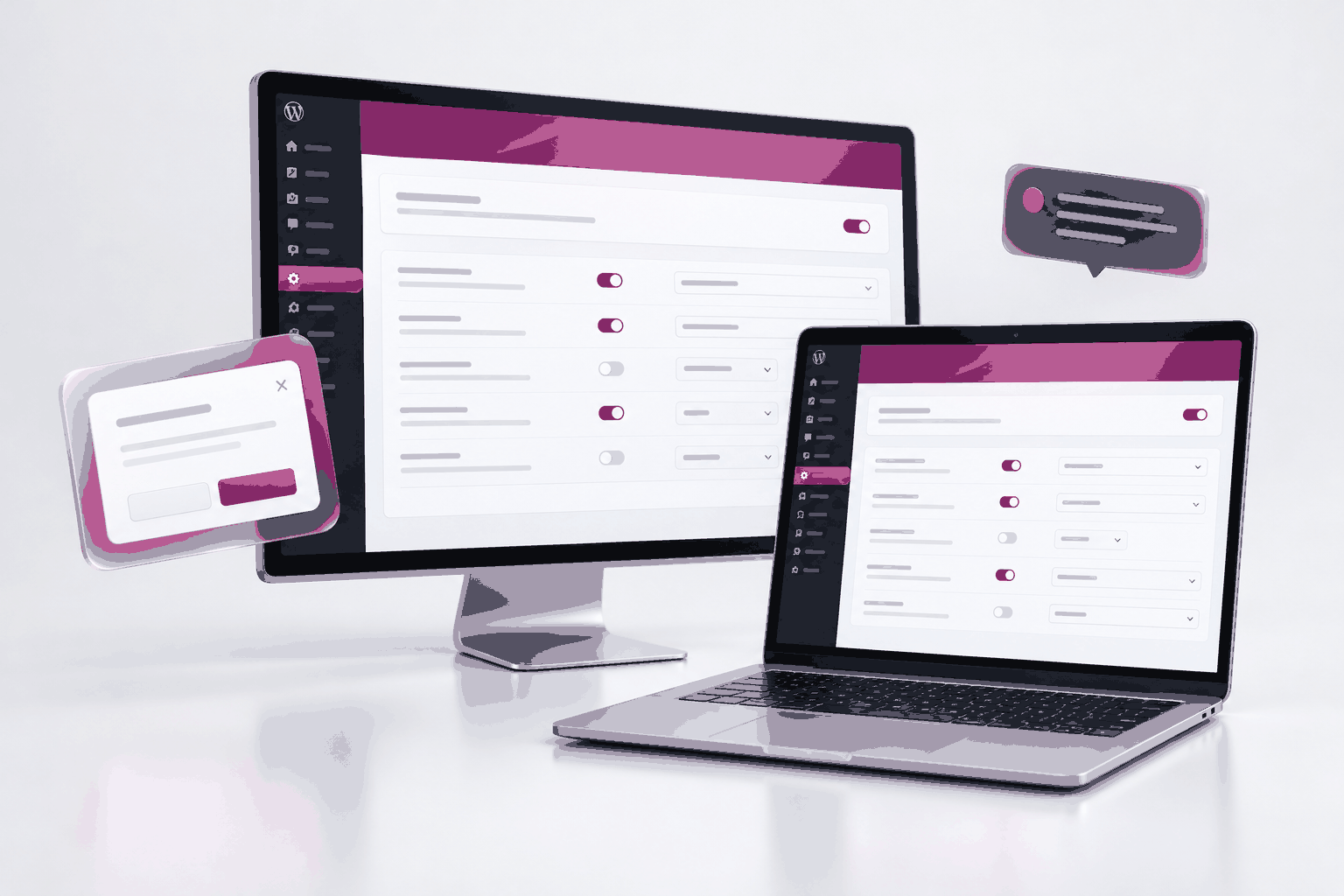
Warn before sign-out
Friendly wake-up modal and live countdown

Keep tabs in sync
Activity and sign-out synchronised across open tabs

See who is online
Review active users and force logout when needed

An unattended browser can still be an open account

A user closes the laptop—or simply walks away from a shared computer—and their WordPress session may still be active.

Shared computers stay signed in

On reception desks, shop terminals or shared workstations, an unattended browser can leave an account open to the next person.

Private dashboards stay visible

Customer records, member-only pages and administrative tools can remain available in an open tab after the user has stepped away.

Stale sessions are hard to manage

Without a live view of who’s online or a clear way to end a session, administrators can be left guessing when access needs to stop.

A clear warning before the session ends

Set the idle period and countdown that suit your site. Users get a chance to continue working or sign out immediately.

1. Choose the idle limit

Set when the wake-up popup appears after inactivity.

2. Set the countdown

Choose how long the user has to respond before logout is completed.

3. Let the user choose

The modal offers two clear actions: Stay Logged In or Logout Now.

4. Sign out if there’s no response

If the countdown ends, the WordPress session is terminated and the configured redirect and notice are shown.

Keep every tab—and every device—in step

People rarely work in just one tab. WP Idle Force Logout keeps activity and logout behaviour synchronised across the tabs they have open.

Multi-tab activity sync

  • Mouse or keyboard activity in any open tab keeps the session active across the other tabs.
  • When an idle timeout occurs, every open tab is logged out together.
  • Tab coordination uses BroadcastChannel and local storage.

Optional sign-out beyond this browser

  • Logout all sessions on idle logout: end the user’s sessions on other browsers and devices too.
  • Auto logout on browser close: end the session when the last open site tab or window is closed.

Both are optional controls you can enable to match the way your site is used.

Different roles. Different rules.

Tune idle time, countdown and post-logout behaviour for the people who use your site.

Per-role overrides

Give Editors, Shop Managers, Subscribers or Customers their own idle timeout, countdown and redirect destination. If a user has multiple roles, the shortest enabled timeout applies.

Choose what happens to admins

Exempt Administrator accounts entirely, or use Admin Safe Mode: a 60-second post-login grace period that clears stale browser markers so an admin is not logged out right after signing in.

Redirects and clear notices

Send users to the home page, an existing WordPress page or a custom URL after logout. Customize the post-logout popup and toast so users know why their session ended.

See who’s online. End access when you need to.

From an individual session to every active user on the site, put force logout where administrators can reach it.

Dashboard widget

See how many users are currently online and force-logout an active user directly from the main WordPress Dashboard.

Users → All Users

Filter by Online or Offline, view each user’s live status pill and last login time, and force-logout one user or a selected group.

Force Logout All Users

End every active user session across the site with one action. Choose whether your own account is included or excluded.

A useful record of each sign-out

Keep the context administrators need to review a session event, then export or clear the log when appropriate.

Session audit logs

Automatic idle logout, manual logout from the warning modal, browser-close logout and administrator-forced logout can be recorded with:

  • Timestamp, event type and reason
  • Target user and the user who triggered the action
  • Session details

Export, manage and notify

  • Export up to 5,000 log rows to CSV in one click.
  • Clear logs with one click when you no longer need them.
  • Optionally send users a customizable HTML reminder email when inactivity ends their session.

More session controls. A fair one-time licence.

A feature comparison based on the supplied sales-page draft. Product capabilities and prices can change.

  • Capability
  • Cost
  • Use after update plan ends
  • Full-feature free trial
  • Custom warning modal and countdown
  • Multi-tab sync and browser-close logout
  • Per-role timeouts and redirects
  • Admin Safe Mode (60-second grace)
  • Online/offline status and dashboard widget
  • Single, bulk and all-user force logout
  • Session audit log and CSV export
  • Automatic idle-logout email
  • Typical “Freemium” idle plugins
  • $39–$59 per year
  • Features may lock or prompt renewal
  • Not typically included
  • Basic
  • Often paid tier only
  • Often paid tier only
  • Not included
  • Not included
  • Not included
  • Not included
  • Not included
  • All-in-one security suites
  • $99–$149 per year
  • Subscription required
  • Not typically included
  • Rarely included
  • Partial
  • Partial
  • Not included
  • Not included
  • Basic controls
  • May require paid tier
  • Not included
  • Enterprise session plugins
  • $99–$199 per year
  • Licence may expire
  • Not typically included
  • Not included
  • Not included
  • Not included
  • Not included
  • Available in some plugins
  • Available
  • Available
  • Partial
  • WP Idle Force Logout
  • AUD$27 one-time
  • Paid use does not expire
  • 7 days
  • Text and placeholders configurable
  • Built in
  • Built in
  • Built in
  • Built in
  • Built in
  • Built in; export up to 5,000 rows
  • Built in

Competitor prices and features vary. Verify any market comparison figures before publishing.

For the WordPress sites where sessions matter

Use role-aware idle controls and active-session visibility wherever unattended access creates a practical concern.

WooCommerce and eCommerce stores

Reduce the risk of an unattended manager or customer account staying open on a shared terminal.

Membership and LMS sites

End abandoned student or member sessions and make it easier to review concurrent activity.

Medical, legal, finance and agency portals

Support good session-timeout hygiene with role rules and exportable audit records.

Multi-author and editorial teams

See who’s online and end stale or unwanted sessions cleanly.

Try every feature. Keep the plugin working.

A one-site licence includes perpetual runtime use, with one year of updates and support.

Recommended single-site purchase licence

AUD$27

One-time purchase  ·  Perpetual runtime use on one site

  • One year of updates and support included.
  • Optional update/support renewal after Year 1
  • The plugin itself does not expire when the update plan ends.

A full-feature 7-day free trial

Install the plugin and try every feature for seven full days—nothing is held back during the trial.

Activate with one key

After purchase, paste the license key from your purchase email into the License tab and click Activate.

Safe if the trial ends first

Existing saved idle-logout protection continues enforcing after the trial expires. Logs and CSV exports remain accessible, and no data is deleted.

Frequently asked questions

The practical details about idle logout, session control and licensing.

Can users stay signed in if they’re active in another tab?

Yes. Activity in any open tab synchronises to the others using BroadcastChannel and local storage. An idle timeout signs out all open tabs together.

Can I set different timeouts for different roles?

Yes. Set role-specific idle time, countdown and redirect rules. If a user has multiple roles, the shortest enabled timeout applies.

Can I exempt administrators?

Yes. Exempt Administrator accounts or use Admin Safe Mode, which gives a 60-second post-login grace period and clears stale browser markers.

Can a user choose to sign out before the timer ends?

Yes. The warning modal offers a Logout Now choice as well as Stay Logged In.

Can I force one user to log out?

Yes. Use the Dashboard widget or Users list for individual force logout, and the Users list supports bulk actions.

Can I log out all users at once?

Yes. The Force Logout All Users page ends active sessions across the site, with an option to include or exclude your own account.

Can sessions end when a browser closes?

Yes, if you enable Auto logout on browser close. It ends the session when the last open site tab or window is closed.

Can I export session events?

Yes. Export up to 5,000 session-log rows to CSV. The log can also be cleared with one click.

What happens after the update/support plan ends?

The paid licence keeps the plugin working. The optional renewal is for new versions and support after the included first year.

What if the free trial expires before I activate a licence?

Saved idle-logout protection keeps enforcing, and logs and CSV exports remain accessible. The trial expiry does not delete the data.

WP Idle Force Logout  ·  Wolf Designs

Don’t leave an open session behind

Set an inactivity rule, give users a clear warning, see who’s online and end sessions when you need to.

© 2010-2018, Quick Link Designs.