DENKEEPER · WORDPRESS LOGIN PROTECTION

Put a velvet rope in front of your WordPress login.

DenKeeper moves your login to a secret address — then guards it with a password gate styled to your brand. Strangers find a genuine 404. Members find a door that looks like it belongs to your site.

No 2FA fatigue · Your brand, not ours · About five-minute setup

Solo licence · 1 site · one year of updates and support · 14-day refund
Features  ·  How it works  ·  Screenshots  ·  Compare  ·  Pricing  ·  FAQ

Every WordPress login gets hammered. Yours doesn’t have to notice.

Bots keep trying

Automated scanners hit wp-login.php and xmlrpc.php on WordPress sites every day, trying passwords and looking for a way in.

Hiding the URL alone can leak

A redirect from the usual login address can reveal where the hidden login moved. DenKeeper is designed to return a genuine 404 to logged-out visitors instead.

Your members deserve a better door

A login page that matches your club or business feels more welcoming than a generic security screen bolted onto your site.

Two locks. One calm way in.

Lock 1 — the address disappears

Choose your own secret login address, or let DenKeeper generate one. Logged-out visitors who try wp-login.php or wp-admin see your site’s normal 404 page: no redirect, no change to the address bar and no clue that a login is there.

Logout and lost-password links keep working; DenKeeper updates them to use the secret address automatically.

Lock 2 — the secret address has a gate

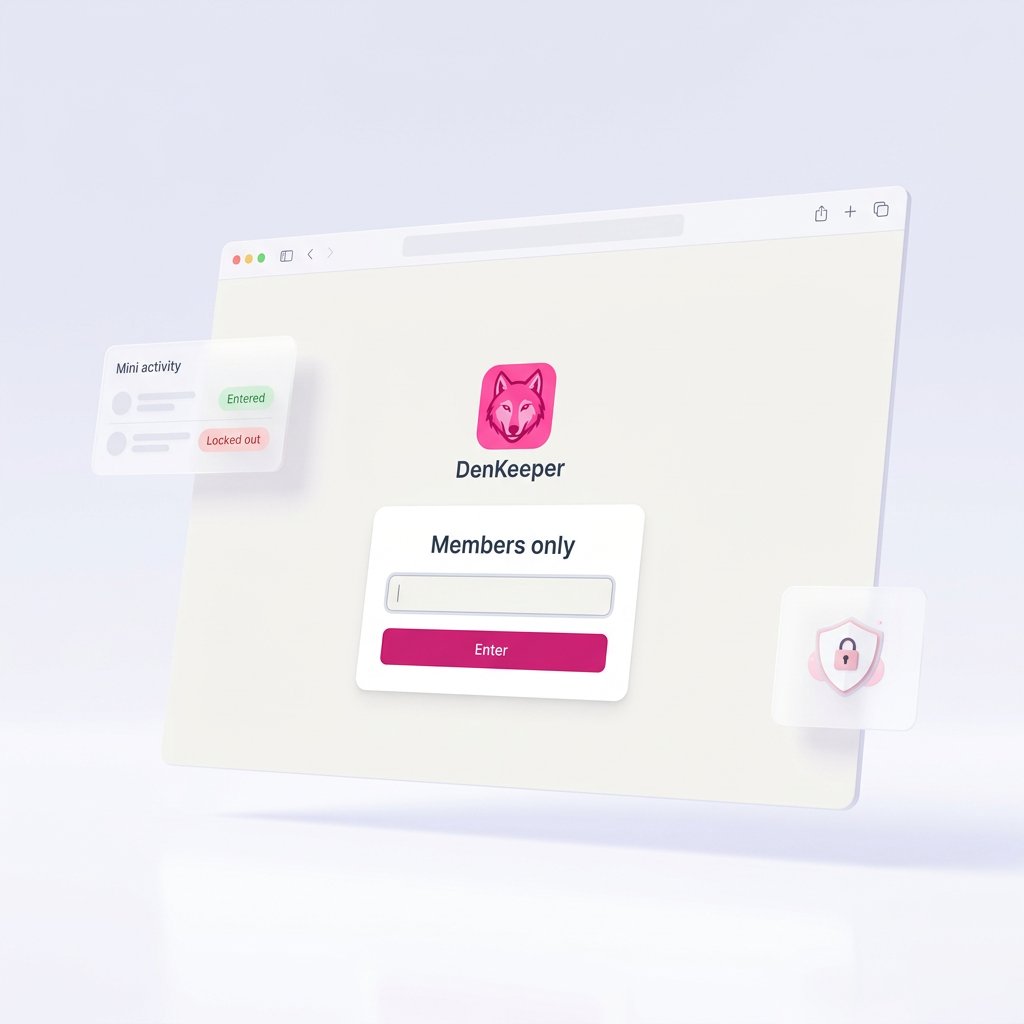
Before visitors see the WordPress login form, they meet your gate: your logo, colours, wording and password. Issue different named passwords to groups such as Users, Admin or Committee, then see which password opened the door in the activity log.

Login protection that feels like part of your site

One lightweight plugin for the gate, the audit trail and the tools behind the door.

Secret login address

Logged-out visitors see a 404 at the usual login routes. The hidden address is not exposed through a redirect.

A gate in your brand

Set the heading, subtext, button wording, colours, background, footer line and logo from your Media Library.

Named passwords

Create one password per person or group. Enable, disable, reset or delete it, and set reminder dates for scheduled rotation.

Brute-force lockouts

Six incorrect guesses freeze that IP for 15 minutes. The correct password continues to work for you, even during an attack.

Investigate an IP

Check flag, city, ISP / AS number, timezone, per-IP history and bot User-Agent hints. Location lookups are admin-initiated.

Block repeat offenders

Block an individual IP or a whole range. Blocked addresses cannot pass the gate with any password.

Remembered devices, tied to passwords

Remember-me devices are cryptographically signed and associated with a password. Reset that password and its remembered devices are invalidated.

One calm dashboard

Review a door-tagged activity log for gate and WordPress logins, lockouts, whitelisted IPs, alerts, gate styling and the secret address.

Close the back doors

Optional controls can disable XML-RPC and Application Passwords and stop public REST API username discovery. The gate includes its own hardening headers.

Forgot a gate password? Recover it without hosting access.

The gate can email a one-time reset link to the address assigned to that password or to the admin inbox. The link expires after 60 minutes and works once. The site owner is notified when it is used, with the IP and location details.

How it works

A quick setup for you. A familiar door for your members.

1. Choose the secret address

Pick your own login URL or generate one. Logged-out visitors at the usual login routes get a 404, not a redirect.

2. Brand your gate

Add your logo, colours and wording. Create named passwords for the people or groups who need access.

3. Give members the link

Members open the secret address, enter their group password and can choose Remember me. No authenticator app or code is required.

A closer look at DenKeeper

Add your approved product screenshots in these four image spaces.


Built for the people who run WordPress sites

Clubs and associations

Give each group a named password. Members get a branded gate without needing to set up an authenticator app.

Membership and course sites

Keep your members moving through a familiar login while routine scanners meet the hidden address and gate.

Agencies and freelancers

Give each client a branded login and use named passwords to make the audit trail easier to understand.

Site owners tired of login noise

Replace a flood of login-attempt emails with a quieter dashboard, an activity trail and one-click blocking.

One focused login gate — instead of a plugin pile

Compare DenKeeper with a typical “free hider + security suite + custom CSS” stack.

  • Capability
  • Login disappears
  • Branded gate screen
  • Named per-group passwords
  • IP investigation and blocking
  • Forgot-password recovery
  • Dashboard and footprint
  • Price
  • DenKeeper
  • True 404; no redirect leak
  • Your logo and colours
  • Included
  • Geo / ISP details and one-click blocking
  • One-time reset links; owner notified
  • One dashboard; 240 KB plugin per supplied spec
  • $59 per site / year
  • “Free hider + security suite” stack
  • Often redirects and can reveal the address
  • Generic or not included
  • Usually not included
  • Often separate or a paid tier
  • May require hosting support if locked out
  • Multiple plugins, overlapping features
  • Free components plus paid annual plans

One calm login. One small price.

Solo — 1 site — $59 per year

Every feature included, plus one year of updates and support and a 14-day no-questions refund. Lifetime licence options are also available.

Need more than one site? Ask about agency or lifetime options.

Included with every Solo licence

  • Secret login address and branded gate
  • Named passwords and remembered devices
  • Lockouts, IP investigation and blocking
  • Activity log, email recovery and back-door controls
  • One year of updates and support

Frequently asked questions

Will it slow my site down?

The gate runs on login requests. Public pages do not load the gate.

Will my members cope?

They open the secret login link, enter the group password and can tick Remember me. No authenticator app or one-time code is required.

What if an attacker finds the secret address?

They meet the password gate and lockout controls. You can change the secret address; the old one stops working.

Can I see who is trying to get in?

Yes. The log shows gate and WordPress login attempts, IP, time, bot hints and the text entered on incorrect gate guesses. You can open IP details and block suspicious addresses.

Does it replace my security plugin?

It handles login hiding, the branded gate and login lockouts. It does not scan files or filter all site traffic; a firewall or malware scanner can coexist with it.

What about XML-RPC?

An optional setting disables xmlrpc.php, a route frequently targeted by automated login attempts.

Will it work behind Cloudflare?

Yes, once your host is forwarding the real visitor IP. If needed, ask your host to enable that setting.

What if I lose the secret address?

The supplied Install Guide explains how to rename the plugin folder through your host’s file manager or FTP to restore the normal login route.

Your login page gets attacked. Make the door harder to find.

DenKeeper gives members a branded way in and gives strangers a 404 instead.

Questions? pete@quicklinkdesigns.com

© 2010-2018, Quick Link Designs.